Claude Code Scheduled Tasks Explained
Forget everything you assumed about AI assistants waiting around for your next prompt. That era just ended. With Claude Code 2.0, released in late February 2026, Anthropic has introduced native Scheduled Tasks: turning Claude from a reactive chatbot into a proactive, autonomous agent that executes complex workflows while you sleep, eat, or focus on the work that actually requires your brain.
Every skill you've built, every process you've refined, every workflow you've automated through Claude just got dramatically more powerful. Community sentiment across platforms like Hacker News and Reddit describes this as a "10x" productivity leap, according to discussions tracked on Reddit's r/ClaudeAI. The setup? Three steps. No code. Dead simple.
But before you hand the keys to an autonomous AI agent and walk away, there are critical limitations, security vulnerabilities, and cost implications you need to understand. Here's the complete breakdown of what Claude Code 2.0's Scheduled Tasks mean for business process automation: the good, the dangerous, and the transformative.
What Are Claude Code 2.0 Scheduled Tasks?
Claude Code 2.0 Scheduled Tasks is a native feature within the Claude Desktop application. It lets users automate recurring AI-driven workflows on a defined schedule (hourly, daily, or weekly) without manual intervention. This is the centerpiece of Anthropic's shift from passive AI assistance to active, autonomous task execution.
Read also: Build AI Agents with Claude and n8n in 2026
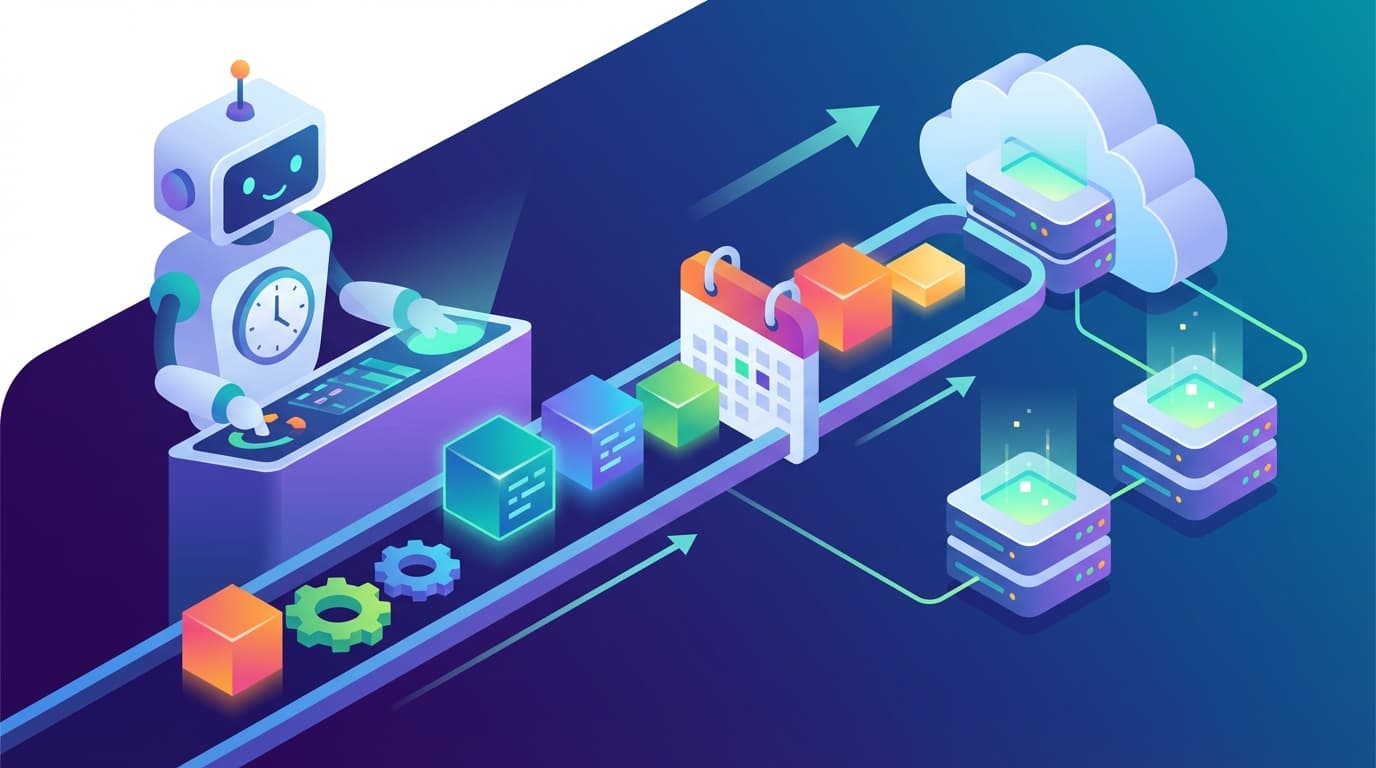
According to Anthropic's official documentation, the feature operates within a local sandboxed environment on the user's machine. At the scheduled time, Claude spins up a "Cowork" session to execute the task. During that session, it can read files, run terminal commands, and even generate pull requests. All of this happens without anyone sitting at the keyboard.
Tech analysts and users have described this shift as the beginning of the "Second Wave" of AI, according to community discussions on Reddit and Hacker News. The first wave was about generating text and answering questions. This second wave is about performing end-to-end labor. Claude Code 2.0 isn't just a tool you talk to anymore. It's an agent that works for you.
How to Set Up Scheduled Tasks in Three Steps
No coding knowledge. No complex configuration. Here's exactly how it works, based on Anthropic's official documentation:
Read also: QR Code on Business Cards: The Competitive Advantage Every Professional Needs in 2026
Step 1: Open the Schedule Interface
Two options. Navigate to the dedicated "Schedule" tab in the Claude Desktop app (typically found alongside the "Cowork" or "Code" tabs) or type /schedule directly in any active command-line session. Both paths lead to the same scheduling interface.
Step 2: Configure Your Task
Once you're in the scheduling interface, you define four elements:
- Name: Give your task a descriptive label (e.g., "Morning Dependency Check" or "Weekly Report Generator").
- Prompt: Write a natural language instruction describing what Claude should do. Something like: "Check for dependency updates and run tests" or "Review the latest pull requests and summarize any issues." No special syntax. Write it the same way you'd instruct a human colleague.
- Model/Mode: Select which Claude model powers the task. Choose between Sonnet (faster, lighter) or Opus (more capable, more resource-intensive), depending on how complex the workflow is.
- Folder: Point the task at the relevant project directory so Claude knows which codebase or file system to operate within.
Step 3: Set the Schedule
Define the recurrence pattern: every hour, every day, or every week. You can specify exact times (e.g., "every morning at 9 AM"). Once confirmed, the task is live. Claude will autonomously execute it at the defined intervals.
That's it. No YAML files. No cron syntax. No DevOps pipeline to configure. You now have a scheduled automation running inside your AI environment.
Why the Community Calls This a "10x" Productivity Leap
The "10x stronger" framing didn't come from Anthropic's marketing department. Instead, it emerged organically from users who experienced the shift firsthand. According to discussions on Reddit's r/ClaudeAI and Hacker News, users report replacing hours of manual coding, data entry, and routine maintenance with single autonomous sessions that run unattended.
Read also: Claude Code + n8n Automation: 3 GSD Framework Wins
One user quoted in community discussions captured it well: "It's like it's reading my mind... I can pretty much guess what its code will look like 90% to 95% of the time." That level of predictability, combined with autonomous scheduling, means users can delegate entire categories of work to Claude with confidence.
Tech analysts have described Claude Code as having "genuine product-market fit," according to discussions tracked across Hacker News and Reddit. And here's the key insight: that product-market fit extends well beyond developers. Non-developers can now build software, automate workflows, and manage complex processes using nothing but natural language commands in the terminal.
What Kinds of Tasks Can You Schedule?
Based on the capabilities documented in Anthropic's official documentation, scheduled tasks can handle any workflow that Claude Code can perform in a standard session:
- Dependency management: Automatically check for outdated packages, update them, and run test suites to verify nothing breaks.
- Code review and pull requests: Review incoming changes, flag potential issues, and generate pull requests with suggested fixes.
- Automated testing: Run comprehensive test suites on a schedule and report results.
- File system operations: Read, organize, and process files within designated project directories.
- Terminal command execution: Run any terminal command that the sandboxed environment permits.
- Report generation: Compile data, summarize findings, and produce structured reports at regular intervals.
The common thread: any multi-step workflow you can describe in natural language, Claude can now execute autonomously on a recurring basis.
Pricing: What Scheduled Tasks Actually Cost
Autonomous scheduled tasks consume significantly more resources than standard chat interactions. Understanding the cost structure is essential before you set up workflows that run overnight or around the clock.
Read also: Claude Code for Beginners: Setup, Tips & First Project
According to VibeHackers' complete pricing guide for Claude Code in 2026, the subscription tiers break down like this:
- Pro ($20/month): Suitable for light usage, but heavy automated tasks may hit rate limits quickly. Not recommended for users planning daily autonomous workflows.
- Max ($100/month): The recommended tier for daily autonomous workflows. Higher rate limits accommodate regular scheduled task execution.
- Team Plans: Include centralized billing and higher rate limits, designed for organizations running multiple automated workflows across team members.
API vs. Subscription: The Cost Calculation
For heavy-duty automation, particularly CI/CD integration or workflows that run multiple times per day, users should consider the API directly to avoid subscription caps. However, according to VibeHackers, reports indicate that heavy users can actually save money by switching to the Max subscription at $100 per month versus paying approximately $1,500 per month in equivalent API token costs.
That's a massive difference. For any business evaluating Claude Code 2.0 for process automation, the gap between $100 and $1,500 per month for equivalent capability makes the Max subscription tier a compelling option for teams with intensive automation needs.
The Hidden Cost Risk
One of the most frequently cited complaints in community discussions? "Surprise" costs or unexpected rate limit hits when automated tasks run overnight. Because scheduled tasks execute without user supervision, it's easy to underestimate how many tokens a complex workflow consumes. Monitor your usage carefully during the first few weeks of any new scheduled task to establish baseline consumption patterns.
The Critical Limitation You Must Know About
Claude Code 2.0's Scheduled Tasks require the host computer to be powered on and the Claude Desktop app to be running. Full stop. This is the single most important limitation of the feature, and the most frequently cited constraint in community discussions, according to Reddit's r/ClaudeAI.
This is not a cloud-based cron job. It does not run independently of your machine. If your laptop goes to sleep, if the app closes, or if your computer shuts down, the scheduled task simply won't execute.
Workarounds for Always-On Operation
System-level background operation (running scheduled tasks without the app open or the computer awake) typically requires additional plugins or scripts, according to Anthropic's documentation. Some approaches users have explored:
- Dedicated always-on machine: Running Claude Desktop on a machine that never sleeps: a desktop workstation, a mini PC, or a home server configured to stay awake.
- Cloud environment setup: Configuring a cloud-based virtual machine to run the Claude Desktop app continuously, effectively creating a cloud-hosted autonomous agent.
- Wake-on-schedule scripts: Using system-level scripts to wake the computer and launch the app before scheduled task times, though this adds complexity and potential failure points.
For enterprise teams that need true 24/7 autonomous operation, the device dependency is a meaningful constraint requiring infrastructure planning. Not a dealbreaker, but definitely not a "set it and forget it" solution out of the box.
Security Alert: The Autonomous Agent Attack Surface
When you give an AI agent the ability to read files, execute terminal commands, and generate pull requests autonomously, you're creating a powerful new attack surface. Anthropic and the security community have already identified real-world vulnerabilities that every Claude Code 2.0 user should understand.
CVE-2025-59536: The Malicious Repository Exploit
According to Dark Reading, a significant vulnerability designated CVE-2025-59536 was identified and subsequently patched. Security researchers found that malicious repositories could use specially crafted configuration files to trick Claude Code into executing harmful commands immediately upon opening a project.
The implications for scheduled tasks are serious. Picture this: you point an autonomous agent at a repository containing a malicious configuration file. Without human oversight, the agent could execute arbitrary commands on your machine at the next scheduled run. The vulnerability has been fixed, but it serves as a stark warning: be extremely cautious when pointing autonomous agents at untrusted codebases.
Sandboxing: Your Safety Net (With Caveats)
Claude Code runs in a local VM/sandbox environment designed to prevent accidental system-wide damage, according to Anthropic's documentation. Even if something goes wrong (whether from a security exploit or a hallucinated command), the blast radius should stay contained within the sandbox rather than affecting your entire system.
That said, sandboxing isn't a guarantee of safety. Users should still review permissions carefully, particularly when:
- Granting file system access to sensitive directories
- Allowing terminal command execution on production systems
- Pointing scheduled tasks at repositories from external or untrusted sources
- Running tasks that interact with APIs or external services
The Hallucination Risk in Autonomous Mode
Autonomous agents can still hallucinate. This well-documented limitation becomes far more dangerous in an unattended context. According to community discussions on Reddit's r/ClaudeAI, there is a documented risk of Claude "fixing" code that wasn't broken or introducing subtle bugs if the output isn't reviewed by a human.
In a standard interactive session, you catch these errors in real time. In a scheduled task running at 3 AM? The hallucinated "fix" might not be discovered until it's already been committed, pushed, or deployed. Building review checkpoints into your automated workflows isn't optional. It's essential.
What This Means for Business Process Automation
Claude Code 2.0's Scheduled Tasks mark a significant inflection point for business process automation. The ability to define complex, multi-step workflows in natural language and have them execute autonomously on a schedule collapses the barrier between "having an idea for automation" and "having a working automation."
Think about a team that currently spends two hours every morning reviewing overnight build logs, checking for dependency vulnerabilities, and compiling a status report. With a scheduled task configured to run at 7 AM daily, Claude performs all three steps and has the report ready before anyone arrives at their desk. The human role shifts from "doing the work" to "reviewing the output": a fundamentally different and more efficient use of time.
The Broader "Second Wave" Context
Analysts view Claude Code 2.0 as part of a broader shift in the AI industry. The "Second Wave" of AI, as described in community and analyst discussions, is defined by the transition from tools that generate text to agents that perform end-to-end labor. Scheduled Tasks is one of the clearest manifestations of this shift: an AI that doesn't wait for you to ask, but proactively executes work on your behalf.
For organizations already investing in AI-powered workflow management and enterprise productivity tools, this development validates the strategic direction. The question is no longer whether AI can automate business processes. It's how quickly you can identify the right processes to delegate and build the oversight structures to manage autonomous agents safely.
Practical Recommendations for Getting Started
Based on the documented capabilities, limitations, and risks, here's a pragmatic approach to adopting Claude Code 2.0 Scheduled Tasks:
- Start with low-risk, high-frequency tasks. Dependency checks, test suite runs, and report generation are ideal first candidates. They're repetitive, well-defined, and easy to verify.
- Choose the right subscription tier. If you plan to run daily automated workflows, the Max tier at $100 per month is the recommended starting point, according to VibeHackers. The Pro tier's rate limits may be too restrictive for meaningful automation.
- Plan for the device dependency. Decide upfront whether you'll dedicate a machine to running Claude Desktop continuously or accept that tasks only run during working hours when your computer is active.
- Never point autonomous agents at untrusted code. The CVE-2025-59536 vulnerability, as reported by Dark Reading, demonstrated that malicious repositories can exploit autonomous agents. Treat every repository as a potential attack vector.
- Build human review into every workflow. Don't let scheduled tasks commit, deploy, or modify production systems without a human checkpoint. The hallucination risk in unattended operation is real and documented.
- Monitor costs aggressively in the first month. Track token consumption for each scheduled task to avoid surprise rate limit hits or unexpected charges, particularly for tasks running overnight or on hourly schedules.
The Bottom Line
Claude Code 2.0 with native Scheduled Tasks is a genuine leap forward in AI-powered business process automation. The setup is remarkably simple: three steps, natural language, no code required. The capability is real: autonomous multi-step workflows executing on a schedule. And the community consensus, reflected across Reddit and Hacker News, is that this represents a "10x" productivity multiplier for teams willing to adopt it.
But it's not magic, and it's not without risk. The device dependency means it's not truly cloud-native. The security vulnerabilities demand careful permission management. The hallucination risk means human oversight remains non-negotiable. And the cost structure means you need to plan your subscription tier carefully to avoid surprises.
The organizations that will benefit most are those that approach this with clear eyes: enthusiastic about the productivity gains, rigorous about the safety guardrails, and strategic about which processes to automate first. Claude Code 2.0 isn't replacing your team. It's giving your team an AI employee that works while they sleep, as long as someone remembers to leave the computer on.
Need AI-powered automation for your business?
We build custom solutions that save time and reduce costs.
About the Author
Jiri Zmidloch
Founder of Process Gate AI. Building intelligent automation solutions, AI-powered SaaS products, and custom solutions that solve real-world problems. Based in Brno, Czech Republic.