Gemini Rebuilds Google Workspace
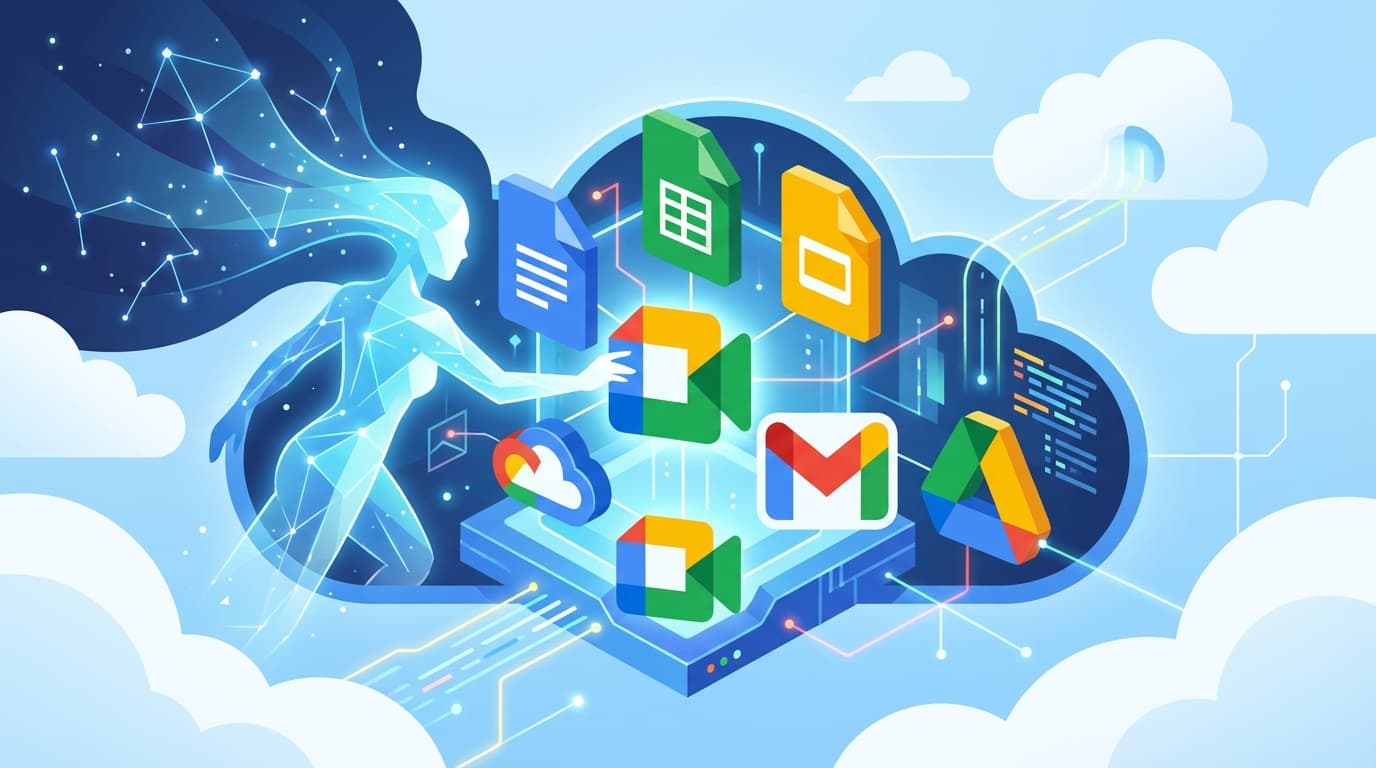
Google Workspace isn't a productivity suite anymore. It's an AI platform. Gemini has been woven deep into Gmail, Docs, Sheets, Slides, Drive, and Meet. Not as a chatbot tacked onto the side, but as an intelligence layer that pulls from your company's private data to draft documents, build presentations, summarize meetings, and automate workflows.
For CTOs, engineering leaders, and IT decision-makers, this shift raises questions that go well beyond productivity. Pricing has changed. Security assumptions have changed. Data governance requirements have changed. Here's a thorough breakdown of what's different, what actually works, what doesn't, and where the risks hide.
How Gemini Is Integrated Across Google Workspace
Gemini doesn't live in its own app inside Google Workspace. Instead, it's a set of AI-powered capabilities threaded directly into the tools your teams already open every day. As of March 2026, most tasks run on models like Gemini 3 Flash, according to Build Fast with AI's feature overview.
Read also: Where Is Google Gemini Headed in 2026? Full Analysis
The Contextual Side Panel
A persistent AI side panel now appears in Gmail, Docs, Sheets, Slides, Drive, and Chat. Users can ask questions, request summaries, and brainstorm ideas, all grounded in whatever file or email thread they're currently looking at. That context awareness is what sets this apart. Gemini reads the document you have open, the email chain you're reviewing, or the spreadsheet you're working through, and shapes its responses around that specific content. It doesn't operate in a vacuum.
Content Generation With "Help Me Write"
In Gmail and Google Docs, Gemini's "Help me write" feature drafts entire emails, documents, blog posts, or marketing copy from simple prompts. It can also rework existing text: adjusting tone, trimming length, or shifting formality. For teams churning out high volumes of written content, whether that's internal communications, client proposals, or technical documentation, the time savings are real and measurable.
Meeting Intelligence in Google Meet
Gemini takes notes automatically during Google Meet calls and generates post-meeting summaries. Participants can actually focus on the conversation instead of frantically capturing action items. Multiple G2 reviews single out meeting summaries as one of Gemini's most immediately useful features, and it's easy to see why.
Data Analysis in Sheets and Visual Generation in Slides
In Google Sheets, Gemini helps create tables, surface insights from data, and use an AI function to categorize and summarize information. In Slides, it generates custom images, infographics, and entire slides from text prompts. That said, performance in both of these apps is noticeably less reliable than in text-heavy tools like Docs and Gmail. More on that later.
New Applications: Vids, Workspace Studio, and NotebookLM
The Gemini integration also brought entirely new tools into the Workspace ecosystem:
- Vids: A new app for creating and collaborating on work videos, powered by AI-assisted editing and generation.
- Workspace Studio: An automation tool that lets users build workflows (simple or complex) without writing code. For engineering teams already stretched thin, this opens a path for business users to handle repetitive process automation on their own.
- NotebookLM: An enhanced knowledge-sharing tool where users upload source documents and get AI-generated insights, audio overviews, and mind maps in return.
The Pricing Overhaul: What Changed and What It Costs
In January 2025, Google overhauled how it charges for AI capabilities. The separate Gemini add-on pricing model? Gone. AI features now come bundled directly into core Workspace plans.
The Previous Model
Before the change, companies bought a standard Workspace subscription and then paid an additional per-user fee for AI capabilities on top of it. According to CRN's pricing analysis, the "Gemini Business" add-on ran $20 per user per month, while "Gemini Enterprise" cost $30 per user per month. This two-tier setup meant many organizations either couldn't justify the add-on cost or restricted it to a handful of users.
The Current Model
As of March 2026, Gemini features come included in Workspace Business and Enterprise plans. The trade-off: base subscription prices went up. According to CRN and CloudEagle's pricing guides:
- The Workspace Business Standard annual plan increased from $12 to $14 per user per month.
- The Workspace Business Plus annual plan increased from $18 to $22 per user per month.
The Net Impact on Cost
For organizations that were already paying for both Workspace and the Gemini add-on, the total cost dropped sharply. A customer on the Business Standard plan with the Gemini Business add-on saw their combined cost fall from $32 per user per month to just $14 per user per month, according to CRN. But for organizations that weren't using the add-on, this is a straight price increase with no opt-out. You're paying for AI whether you use it or not.
Google is clearly betting that AI-powered productivity will become baseline functionality, not a premium extra. For CTOs evaluating total cost of ownership, the real question is whether your teams will actually adopt these features enough to justify the higher base price.
Real-World Business Use Cases
Several organizations have reported measurable productivity gains from the Gemini integration, according to Google's Cloud Blog and Workspace Blog case studies.
Read also: Claude Code + n8n Automation: 3 GSD Framework Wins
- NewPush, a cybersecurity firm, reported saving its analysts 12 hours per week by automating threat research and content creation with Gemini.
- WITHIN, a performance branding agency, uses Gemini to speed up creative production and data analysis.
- Thoughtworks, a global technology consultancy, uses Gemini to sharpen internal and external communications, including drafting content in non-native languages.
- Uber leverages Gemini to save time on repetitive tasks and cut agency spending.
- Beyond, a consultancy, reported shrinking the time from project brief to project kickoff from months to weeks.
At the individual level, one G2 reviewer noted saving "probably two hours of research time" with a single prompt. Another G2 review states: "I love how effortlessly Gemini connects with my Google Workspace: summarizing my emails, drafting Docs, and organizing my Drive in seconds." The G2 platform gives Gemini an overall rating of 4.4 out of 5.
Security Implications: The Amplification Problem
Gemini's security model sits on top of Google Workspace's existing security infrastructure. According to Google's security whitepaper for Gemini, customers retain ownership of their data, and it isn't used to train generative AI models outside their domain without permission. Gemini can only access and surface data that the user already has permission to view. The platform holds certifications including ISO 42001, SOC 1/2/3, and can help meet HIPAA requirements.
Read also: Claude Code Scheduled Tasks Explained
But the primary security risk isn't that Gemini will bypass access controls. The risk is that Gemini amplifies pre-existing data exposure caused by misconfigured sharing permissions.
How Permission Amplification Works
Picture this: a sensitive HR document containing salary data or performance reviews gets improperly shared with a company-wide group. Before Gemini, that document might sit buried and undiscovered in a shared folder for months. With Gemini, any user can ask something like "What is the average salary in the engineering department?" The AI then pulls information from that improperly shared document, surfacing sensitive data the user didn't even know existed.
According to Concentric AI's analysis of Gemini security risks, this is the most significant concern for enterprise deployments. The AI doesn't break any rules. It respects existing permissions. But it makes it dramatically easier for users to find and synthesize information across their entire accessible data surface.
Security Best Practices for Gemini Deployments
For IT leaders and security teams, deploying Gemini should trigger a comprehensive permissions audit. Key recommendations:
- Audit and clean up Workspace sharing permissions before or immediately after enabling Gemini. Pay special attention to files shared with "anyone in the organization" or "anyone with the link."
- Restrict Gemini access based on roles rather than relying on broad defaults. Not every user needs AI-powered search across all organizational data.
- Review Shared Drive configurations carefully. Some users have reported that Gemini's support for files in Shared Drives (as opposed to MyDrive) can behave inconsistently.
- Establish clear policies around what types of prompts are appropriate and train users on the implications of AI-powered data synthesis.
Where Gemini Excels and Where It Falls Short
User and expert reviews paint a picture of a powerful but uneven tool. Performance swings considerably depending on the application and the complexity of the task.
Strengths
- Email summarization and drafting: Consistently cited as one of Gemini's strongest capabilities. Summarizing long email threads in Gmail saves serious time for anyone dealing with high email volumes.
- Document creation in Docs: Drafting first versions of documents, proposals, and communications is fast and generally solid, though outputs always need human review.
- Meeting summaries in Meet: Automatic note-taking and post-meeting summaries earn praise as immediately useful from multiple reviewers.
- Deep ecosystem integration: The ability to search and synthesize information across Gmail, Drive, and other Workspace apps from a single interface is the primary competitive edge over standalone AI tools.
Weaknesses
- Google Sheets performance: A review from IT Pro notes that Gemini's capabilities in Sheets are "disappointingly overstated." Complex data manipulation and analysis tasks often produce inconsistent or flat-out incorrect results.
- Speed with large files: Users report noticeable delays when working with large documents or datasets, which chips away at the perceived productivity benefit.
- Slides limitations: Some users have flagged an inability to generate more than one slide at a time, which undercuts the tool's usefulness for building full presentations quickly.
- Hallucinations and logical errors: Like all large language models, Gemini can produce incorrect information or fabricate facts. This is especially concerning in data-sensitive applications like Sheets, where a wrong number can cascade through downstream analysis.
- Language support gaps: Performance is strongest in English. One reviewer noted important limitations with Polish language support, suggesting that organizations operating in non-English markets should test thoroughly before depending on Gemini for multilingual tasks.
- Prompt dependency: For complex tasks, Gemini's effectiveness hinges on users providing very specific, well-structured prompts. That creates a learning curve that can slow initial adoption.
What This Means for Technical Leaders
Gemini's integration into Google Workspace marks a fundamental shift in how productivity software operates. For CTOs and engineering leaders, several strategic considerations stand out.
Adoption Strategy
The bundled pricing model means your organization pays for Gemini whether teams use it or not. Building an internal adoption strategy (complete with training, use case documentation, and prompt engineering guidelines) is essential if you want to see real value from the higher subscription cost.
Security Posture
Treat the Gemini rollout as a security event, not just a feature update. The permission amplification risk means data governance practices that were "good enough" before may now leave you exposed. A proactive permissions audit isn't optional. It's a prerequisite for safe deployment.
Workflow Automation
Workspace Studio's no-code automation capabilities could take pressure off engineering teams for internal tooling and process automation. It's worth evaluating whether business teams can self-serve on workflow automation that would otherwise pile up in the engineering backlog.
Competitive Context
Google's move to bundle AI into base pricing puts direct pressure on Microsoft's Copilot pricing strategy and standalone AI tool vendors. For organizations already invested in the Google ecosystem, the cost-effectiveness argument is compelling. For those weighing a switch, the total cost comparison has shifted significantly in Google's favor since January 2025.
The Bottom Line
Google Gemini has turned Workspace from a collection of productivity apps into an AI-powered platform that drafts, analyzes, summarizes, and automates across your organization's data. The deep integration is both its greatest strength and its greatest risk. The same capability that lets an employee instantly pull together information from across Gmail and Drive can also surface data that should never have been accessible in the first place.
For technical leaders, the path forward is straightforward: invest in adoption to justify the higher subscription costs, audit your permissions to contain the amplification risk, and set realistic expectations about where Gemini delivers genuine value (text-heavy tasks, email, meetings) versus where it still stumbles (complex spreadsheets, large files, non-English languages). The AI layer is no longer optional. It is the platform. The only question is whether your organization is ready to use it safely and effectively.
Need AI-powered automation for your business?
We build custom solutions that save time and reduce costs.
About the Author
Jiri Zmidloch
Founder of Process Gate AI. Building intelligent automation solutions, AI-powered SaaS products, and custom solutions that solve real-world problems. Based in Brno, Czech Republic.