Production-Ready n8n AI Patterns
Templates get you started. Production keeps you up at night. That gap between a demo workflow and a mission-critical automation pipeline? It's where most teams stumble, and in 2025, the stakes are higher than ever. n8n has evolved from a general-purpose workflow automation tool into what its leadership calls an "orchestration layer for AI applications." The platform now powers use cases that demand far more resilience, observability, and architectural rigor than any template can provide.
With over 230,000 active global users and more than 15,000 companies relying on the platform, including over 3,000 enterprise customers according to Flowlyn's 2025 analysis, n8n has become a serious infrastructure choice. But scaling it means thinking beyond drag-and-drop. What follows are 10 production-ready patterns that engineering teams are using right now to build AI workflows in n8n that actually hold up under real-world conditions.
n8n's Strategic Shift: From Automation Tool to AI Orchestration Layer
n8n isn't just a workflow automation platform anymore. It's an AI-first orchestration layer designed to connect foundation models, vector databases, and APIs into cohesive agent-driven applications. This strategic pivot accelerated throughout 2025 and represents a fundamental repositioning of the product.
In a Sequoia Capital interview published in August 2025, n8n CEO Jan Oberhauser explained that the company's breakthrough came when it moved beyond simply adding AI features to workflows and instead enabled users to build complete AI agents visually. The platform now offers over 30 specific AI and ML integrations, connecting to models from OpenAI, Anthropic, Gemini, and others.
The numbers tell the story. Flowlyn reports that n8n experienced 6x year-over-year user growth and a 10x revenue increase in 2025. The n8n community has contributed over 6,200 AI automation workflow templates, according to n8n's own workflow library. But templates are starting points, not production architectures. The patterns below address what happens after the template runs successfully once and needs to run successfully ten thousand more times.
Pattern 1: Decoupling with Queues: The Webhook-Queue-Worker Architecture
Synchronous webhook processing is the single most common failure mode in high-traffic n8n deployments. When a webhook trigger directly kicks off a long-running workflow, any downstream API failure, timeout, or traffic spike means lost data and failed executions.
Read also: Build AI Agents with Claude and n8n in 2026
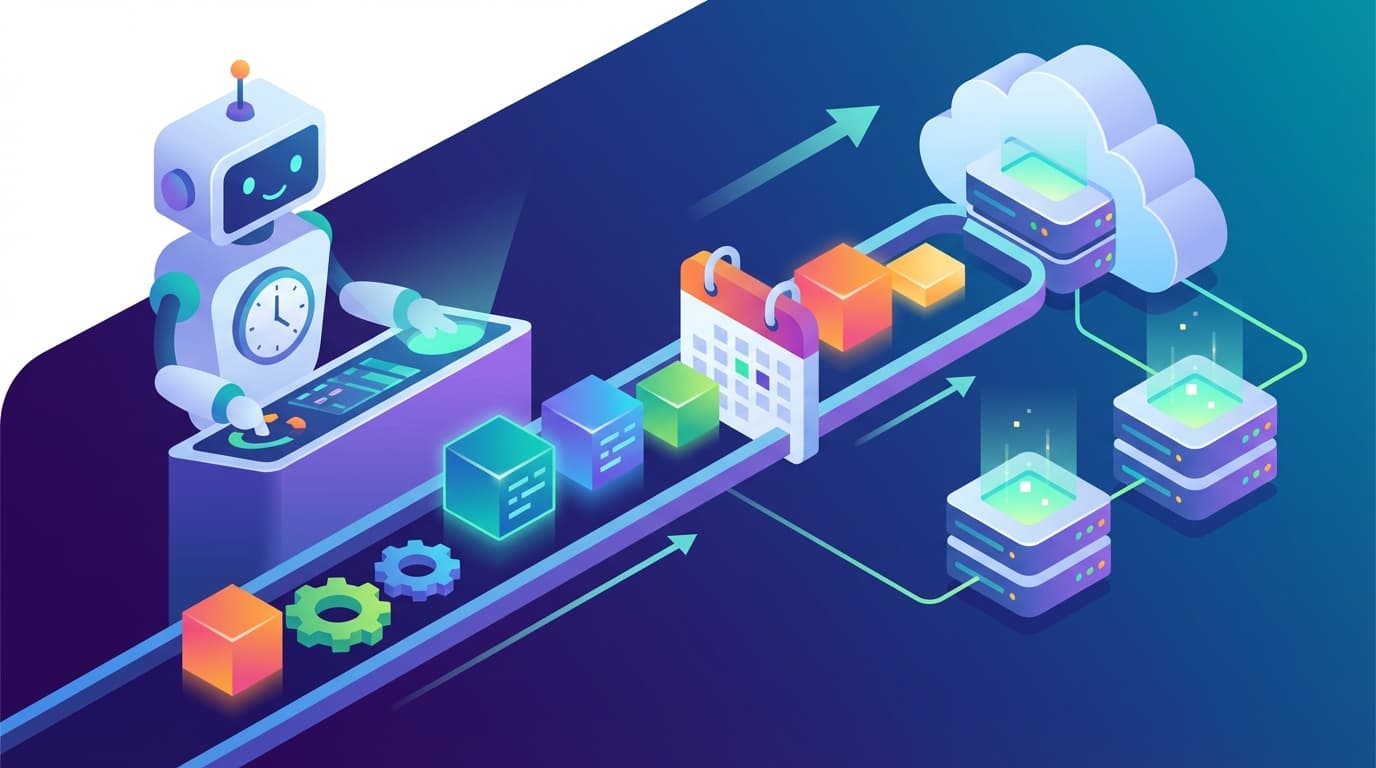
The production-ready alternative is a "Webhook → Queue → Worker" pattern. The initial webhook workflow does exactly one thing: accept the incoming payload and place the job into a queue (whether that's RabbitMQ, a Redis-backed queue, or n8n's built-in data store). A separate, independently scalable "worker" workflow then processes jobs from the queue at its own pace.
This decoupling delivers three critical benefits:
- Traffic spike resilience: The webhook endpoint stays responsive regardless of processing load.
- Failure isolation: A downstream API outage doesn't cascade back to the ingestion layer.
- Independent scaling: Worker workflows can scale horizontally without touching the ingestion layer.
Pattern 2: Idempotency: Preventing Duplicate Actions at Scale
Idempotency ensures that processing the same event multiple times produces the same result as processing it once. In production n8n workflows, duplicate webhook deliveries, network retries, and race conditions aren't edge cases. They're certainties.
The pattern works like this: generate a unique key for each event (say, a composite key like orderId-eventType) and then check a database or persistent data store to see whether that key has already been processed. If it has, the workflow exits gracefully. If not, it processes the event and records the key.
This matters especially for AI workflows that trigger external actions like sending emails, creating tickets, or updating CRM records. Duplicate execution in those contexts creates real business consequences.
Pattern 3: Error Handling with Dead-Letter Queues
Simple retry logic won't cut it for production AI workflows. A robust error handling pattern uses an Error Trigger workflow that implements exponential backoff (progressively increasing the delay between retries) and, after a configurable number of attempts, routes the failed job to a Dead-Letter Queue (DLQ) for manual review.
Read also: Claude Code + n8n Automation: 3 GSD Framework Wins
Why does this matter? Without it, failing jobs continuously retry and clog the main processing queue, dragging down performance for every other workflow. The DLQ acts as a structured holding area where operations teams can inspect failures, fix underlying issues, and replay jobs when they're ready.
Pattern 4: The Saga Pattern for Complex Multi-Step Transactions
The Saga pattern tackles a fundamental challenge in distributed systems: what happens when step three of a five-step process fails, and steps one and two have already committed changes to external systems?
Think of a workflow that books a flight, reserves a hotel, and rents a car. If the car rental fails, the flight and hotel bookings need to be reversed. The Saga pattern handles this by defining "compensation" workflows for each step (essentially, undo operations). If any step fails, the workflow triggers compensation workflows for all previously completed steps in reverse order.
For AI-driven workflows that interact with multiple external services, particularly in e-commerce, logistics, and financial operations, partial completion creates real-world problems. This pattern prevents them.
Pattern 5: Centralized Secrets Management
Storing API keys and credentials directly in n8n's credential store works fine for development. In production, it introduces risk. The production pattern integrates n8n with external secret management systems like AWS Secrets Manager or HashiCorp Vault.
Read also: Claude Code Scheduled Tasks Explained
This centralizes credential rotation, provides audit trails for secret access, and ensures credentials never end up in workflow exports or version control. According to the HatchWorks AI guide published in November 2025, this capability is available on n8n's enterprise plans.
Pattern 6: Human-in-the-Loop for High-Stakes AI Actions
Human-in-the-loop (HITL) is a workflow design pattern where automated processing pauses at critical decision points to await manual approval before continuing. When the cost of an incorrect automated action is high, this pattern becomes essential.
Practical implementations include:
- Customer-facing communications: An AI drafts a response, but a human reviews and approves before it goes out.
- Financial approvals: Payment processing above a threshold requires manual sign-off.
- Data modifications: Bulk updates to production databases pause for verification.
The pattern balances automation speed with human judgment, a critical consideration as AI agents take on increasingly consequential tasks.
Pattern 7: AI Agents with Tool-Calling
AI agents with tool-calling represent the most advanced pattern in n8n's 2025 capabilities. Instead of following a fixed workflow path, an AI agent receives an input, reasons about what actions to take, and dynamically selects which "tools" (other n8n workflows or API calls) to invoke.
Read also: Claude vs Gemini vs ChatGPT 2026: Strategic AI Choice
Here's what that looks like in practice: a customer support agent built in n8n analyzes an incoming message and decides whether to query a knowledge base, fetch order details from a CRM, check shipment status from a logistics API, or escalate to a human, all based on the content and context of the user's query.
This moves beyond linear automation into genuine AI-driven decision-making. It's the core of what Oberhauser described in his Sequoia Capital interview as enabling users to "build complete AI agents visually."
Pattern 8: RAG for Knowledge Retrieval
Retrieval-Augmented Generation (RAG) enhances large language model responses by grounding them in specific, relevant documents rather than relying solely on the model's training data. In n8n, a RAG workflow follows a consistent architecture:
- Accept a user query
- Convert the query into a vector embedding
- Search a vector database (such as Pinecone, Qdrant, or Weaviate) for semantically similar documents
- Feed the retrieved documents as context to an LLM
- Return the LLM's informed, grounded response
The n8n community offers numerous templates for RAG implementations, and this pattern underpins many of the knowledge base chatbots and internal Q&A systems that the Reddit n8n community identifies as among the highest-success AI use cases.
Pattern 9: Version Control with Git
Production workflows deserve the same treatment as any other software artifact. They're not disposable configurations. n8n supports Git-based version control, which lets teams track changes to workflows over time, collaborate across branches, conduct code reviews on workflow modifications, and roll back to previous versions when deployments introduce regressions.
For teams operating in regulated industries or managing workflows that handle sensitive data, this pattern is non-negotiable. It also opens the door to proper CI/CD pipelines where workflow changes get tested in staging environments before promotion to production.
Pattern 10: Observability: Monitoring, Logging, and Metrics
Observability means designing workflows to emit enough telemetry (logs, metrics, and traces) so that operators can understand system behavior without inspecting individual executions. Production n8n workflows should push data to platforms like Datadog or Prometheus, tracking execution times, error rates, queue depths, and API call costs.
Without observability, teams fly blind to gradual degradation. An API starts responding 200ms slower. An error rate creeps from 0.1% to 2%. An AI model's token costs quietly double. These problems compound, and by the time they surface as user-facing incidents, the damage is already done.
Real-World ROI: What These Patterns Enable
When these production patterns meet real business problems, the results are measurable. Documented case studies show significant returns:
- Delivery Hero saved over 200 hours per month with a single IT workflow, according to n8n's published case study.
- StepStone accelerated data source integration by 25x, reducing a two-week process to a few hours, as reported in n8n case study documentation.
- A legal services firm reported an 83% reduction in document review time using AI-powered document processing workflows.
- Businesses implementing AI-driven lead qualification and sales automation have reported 30-50% higher lead conversion rates, according to CodeGeeks Solutions' February 2026 analysis.
The n8n community on Reddit consistently highlights lead qualification, email triage, document processing, and internal knowledge agents as the most ROI-positive use cases.
Costs, Trade-offs, and Honest Limitations
Production-grade n8n deployments come with real trade-offs. Teams need to evaluate them honestly.
Learning Curve
n8n has a steeper learning curve than competitors like Zapier. CEO Jan Oberhauser acknowledged this in his EU-Startups podcast interview in March 2026, noting that the platform's power lies in its flexibility. However, that flexibility demands understanding of APIs, data structures, and error handling concepts. Oberhauser positions this as intentional, stating that n8n prevents users from hitting a "wall" when workflows become advanced.
Self-Hosting Overhead
The free Community Edition offers unlimited executions but requires teams to manage their own infrastructure: servers, databases, security patches, and backups. According to Latenode's pricing analysis published in February 2026, production self-hosted environments can cost $200–$500 per month to run effectively, and they require genuine DevOps expertise.
Cloud Pricing Predictability
n8n Cloud pricing starts at €20/month for 2,500 executions, with the Pro plan at €50/month for 10,000 executions. While generally more cost-effective than task-based pricing models, execution-based pricing can become unpredictable as usage scales. A single complex workflow running frequently can burn through executions faster than expected.
No Native Desktop Automation
n8n is built for API-driven automation. It lacks native Robotic Process Automation (RPA) capabilities for automating legacy desktop applications without APIs, a limitation worth evaluating if your stack includes older, UI-dependent software.
Building for Production, Not for Demos
The 10 patterns outlined here (queue decoupling, idempotency, dead-letter queues, the Saga pattern, centralized secrets, human-in-the-loop, AI tool-calling agents, RAG, Git version control, and observability) form the architectural foundation that separates production AI workflows from template experiments.
n8n's evolution into an AI orchestration layer, combined with its 400+ core nodes and over 600 community-contributed integrations (as reported by InfraSaaS in November 2025 and other sources), provides the building blocks. But building blocks without architectural discipline produce fragile systems. These patterns supply that discipline.
For CTOs and engineering leaders evaluating n8n in 2025 and beyond, the question is no longer whether the platform can handle AI workflows. It's whether your team is building those workflows with the resilience patterns that production demands.
Need AI-powered automation for your business?
We build custom solutions that save time and reduce costs.
About the Author
Jiri Zmidloch
Founder of Process Gate AI. Building intelligent automation solutions, AI-powered SaaS products, and custom solutions that solve real-world problems. Based in Brno, Czech Republic.