Build AI Agents with Claude and n8n in 2026
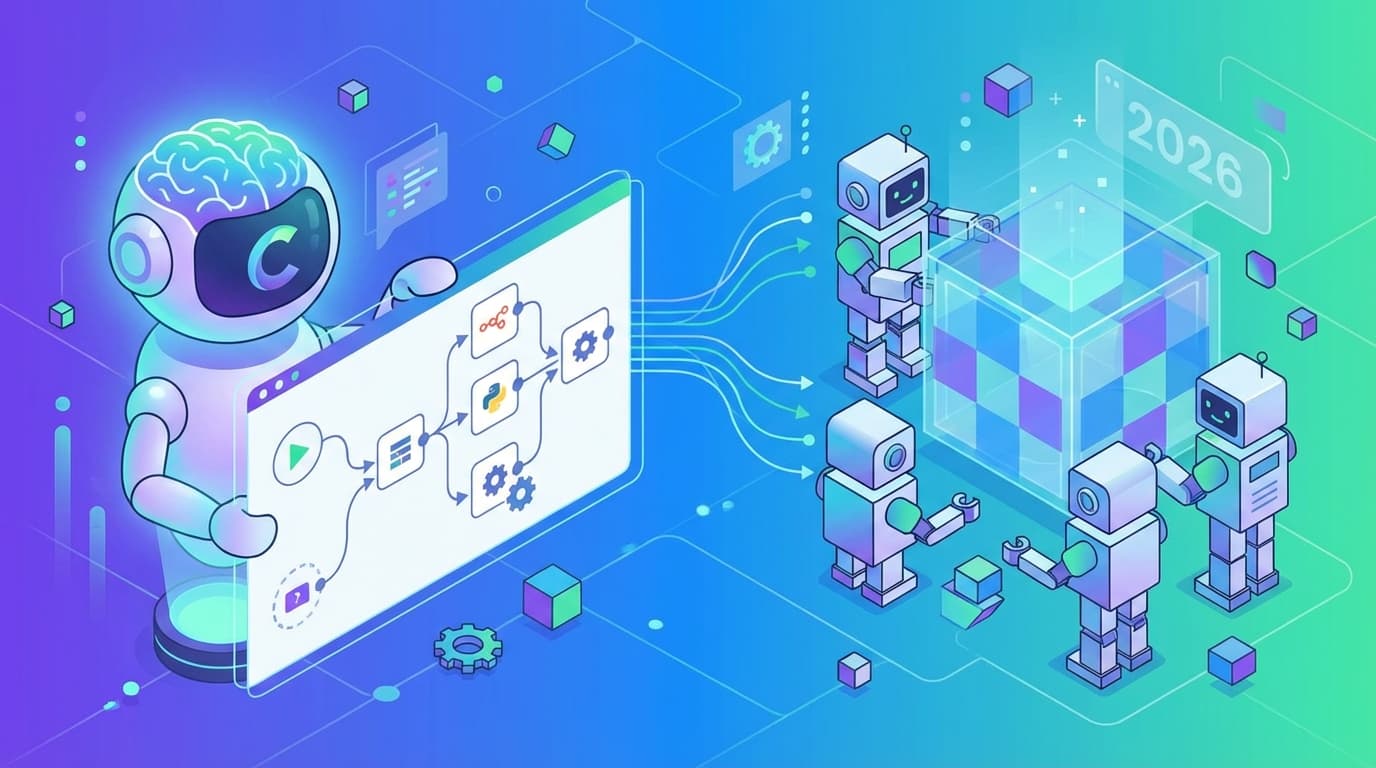
Two years ago, building an AI agent that could actually do useful work (not just chat, but take real actions across your business systems) required a dedicated engineering team and months of development. That's no longer the case. By pairing Anthropic's Claude with n8n, the open-source workflow automation platform, teams of virtually any size can now design, deploy, and manage AI agents that handle complex business processes end to end.
At Process Gate AI, we work at the intersection of business process automation and AI-powered workflow management. In this guide, we'll walk you through the practical steps of building AI agents using Claude and n8n in 2026: architecture decisions, implementation patterns, error handling, and the critical pitfalls you need to avoid. We'll also borrow some hard-won lessons from decades of software engineering wisdom about handling "undefined" states in your systems, because those lessons apply more directly to agent development than most people realize.
Why Claude and n8n Make a Powerful Combination in 2026
Before diving into the how-to, let's talk about why this particular stack has gained so much traction for AI agent development.
Claude brings sophisticated reasoning, long-context understanding, and tool-use capabilities that make it ideal as the "brain" of an AI agent. It can follow complex instructions, maintain context across multi-step tasks, and interact with external tools via function calling. That makes it a natural fit for agentic workflows where the model needs to do more than just generate text.
n8n provides the orchestration layer. It's a workflow automation platform with a visual interface and hundreds of integrations, and it handles all the plumbing: connecting APIs, managing data flow, triggering actions, and coordinating the steps your agent needs to execute. Put them together, and you can build agents that don't just think but act within your business systems.
Key Advantages of This Stack
- Low-code orchestration: n8n's visual workflow builder lets you design complex agent behaviors without writing extensive boilerplate code.
- Extensibility: Because n8n is open-source, you can create custom nodes and integrations, giving your agent access to virtually any system.
- Reasoning power: Claude's advanced reasoning capabilities enable agents to handle ambiguous inputs, make decisions, and adapt when things don't go as expected.
- Scalability: Both tools support scaling from prototype to production without requiring a complete architecture overhaul.
Step 1: Define Your Agent's Purpose and Scope
Every successful AI agent starts with a clearly defined purpose. Before you open n8n or write a single prompt, answer the fundamental questions about what your agent will do, what systems it will touch, and what guardrails it needs.
Read also: Claude Code + n8n Automation: 3 GSD Framework Wins
Scoping Your Agent
Here's what to consider when defining scope:
- Task definition: What specific business process will this agent automate? Customer support triage, document processing, data enrichment, multi-step approval workflows. Pick one to start.
- Input sources: Where does the agent receive its triggers? Email, Slack messages, form submissions, API webhooks, or scheduled intervals?
- Decision complexity: Does the agent need to make binary decisions, or will it reason through ambiguous, multi-factor scenarios?
- Action scope: What systems can the agent write to? CRMs, databases, communication platforms, project management tools?
- Failure modes: What happens when the agent encounters something it cannot handle? This is where the concept of "undefined" states becomes critically important.
Step 2: Architect Your Agent's Workflow in n8n
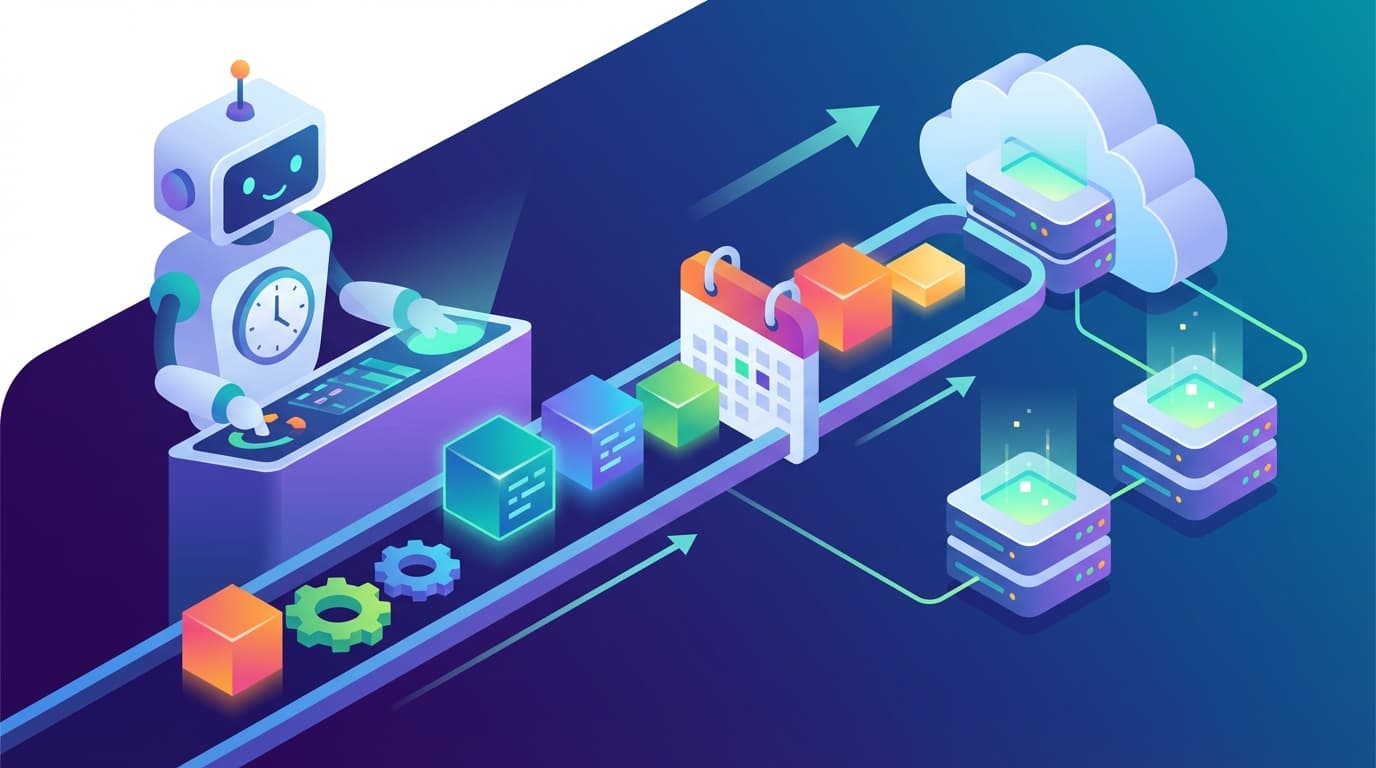
With your scope nailed down, it's time to design the workflow architecture in n8n. Think of n8n as the skeleton of your agent: it defines the sequence of actions, decision points, and data transformations that give your agent structure.
Core Workflow Pattern for AI Agents
Most Claude-powered agents in n8n follow a variation of this pattern:
- Trigger node: Receives the initial input (webhook, schedule, event listener).
- Context assembly node: Gathers relevant data from connected systems (database lookups, API calls, file reads).
- Claude reasoning node: Sends the assembled context to Claude with a carefully crafted system prompt, requesting a structured decision or output.
- Action routing node: Parses Claude's response and routes to the appropriate action branch.
- Execution nodes: Carry out the decided actions (sending emails, updating records, creating tickets).
- Logging and feedback node: Records the agent's decisions and outcomes for monitoring and improvement.
Implementing the Loop Pattern
Some agents need to take multiple actions iteratively. Think: researching a topic, drafting a response, reviewing it, then sending it. For these, you'll want a loop pattern in n8n:
- A decision node after the Claude reasoning step that checks whether the task is complete.
- A feedback loop that sends results back to Claude for further reasoning if more steps are needed.
- A maximum iteration limit to prevent runaway loops. This is critical for both cost control and system stability.
Step 3: Craft Effective System Prompts for Claude
The system prompt is arguably the most important component of your AI agent. It defines Claude's role, capabilities, constraints, and output format. Prompt engineering for agentic use cases has matured significantly by 2026, but the fundamentals still matter enormously.
Read also: QR Code on Business Cards: The Competitive Advantage Every Professional Needs in 2026
System Prompt Best Practices
- Role definition: Clearly state what the agent is and what it does. Be specific about its domain expertise and its limitations.
- Tool descriptions: When using Claude's tool-use capabilities, provide precise descriptions of each available tool: its parameters and when it should be used.
- Output format: Specify exactly how Claude should structure its responses. JSON schemas work well for machine-parseable outputs that n8n can route on.
- Guardrails: Explicitly state what the agent should not do. Define escalation criteria for when it should hand off to a human.
- Error handling instructions: Tell Claude how to respond when it encounters incomplete or ambiguous information rather than guessing.
Step 4: Handle Undefined States Gracefully
This is the most critical, and most overlooked, aspect of building AI agents. Handling undefined, unexpected, or missing states well is what separates agents that work in demos from agents that work in production. And this is where lessons from decades of software engineering become invaluable.
Lessons from JavaScript: Undefined vs. Null
In JavaScript, undefined is a primitive value automatically assigned to variables that have been declared but not initialized, according to MDN Web Docs. It's distinct from null, which represents an intentional assignment of "no value." According to GeeksforGeeks, typeof undefined returns "undefined" while typeof null returns "object": a known legacy quirk in JavaScript.
This distinction matters more than you might think for AI agent development. When your agent queries a database and gets back undefined (the field doesn't exist) versus null (the field exists but has no value), the appropriate response may be entirely different. As noted by Stack Overflow community best practices, developers are generally advised to let JavaScript handle undefined automatically and use null when they need to explicitly clear a variable.
Apply this same principle to your agent design:
- Missing data (undefined equivalent): The information your agent needs simply doesn't exist in the system. The agent should recognize this and either request the information or escalate.
- Intentionally empty data (null equivalent): A field was deliberately left blank. The agent should treat this as a valid state and proceed accordingly.
According to Syncfusion, accessing properties of an undefined variable is the most common runtime error in JavaScript, often crashing web applications if not caught. The same principle holds for AI agents: failing to handle missing data gracefully is the single most common cause of agent failures in production.
Lessons from Systems Programming: Avoiding Undefined Behavior
In C and C++, "Undefined Behavior" (UB) refers to code execution where the language standard imposes no requirements, as described by PVS-Studio. According to Microsoft Dev Blogs, compilers assume UB does not happen, allowing them to remove "redundant" checks to increase performance. But if UB does occur, these optimizations can result in severe security flaws.
The C++ community has a strong sentiment that Undefined Behavior is a "minefield," according to discussions on Reddit's r/cpp community. Experts warn that relying on how a specific compiler handles UB is dangerous because upgrading the compiler can break the code without warning.
For AI agent builders, the parallel is clear:
- Never assume Claude will handle edge cases the same way every time. LLM outputs are non-deterministic. What works in testing may fail in production with slightly different inputs.
- Build explicit validation at every step. Don't rely on Claude to always return perfectly formatted JSON. Validate outputs before passing them to action nodes.
- Implement defensive checks that cannot be "optimized away." Just as UB can lead to security vulnerabilities like buffer overflows (according to GeeksforGeeks), skipping validation in your agent pipeline can lead to data corruption or unauthorized actions.
Lessons from Mathematics: Division by Zero
In mathematics, an expression is "undefined" when it cannot be assigned a meaning within a specific formal system, most notably division by zero, according to Fiveable. As Study.com explains, if a/0 = x, then 0 · x must equal a. Since 0 · x is always 0, there is no solution when a ≠ 0.
There's a subtle but important distinction here. As noted by Hive Blog, "undefined" is different from "indeterminate." The expression 1/0 is undefined, whereas 0/0 is indeterminate because any number could satisfy the equation. Math educators, according to Fiveable, emphasize the importance of distinguishing "undefined" from "infinity" to prevent conceptual errors.
In your AI agent, this translates to:
- Identify impossible operations early. If your agent is asked to calculate a metric but the denominator data is zero or missing, it should flag this rather than producing nonsensical output.
- Distinguish between "cannot compute" and "multiple valid answers." Sometimes an agent faces ambiguity (indeterminate), not impossibility (undefined). The response strategy should differ: ambiguity might call for a clarifying question, while impossibility requires escalation.
Step 5: Implement Tool Use and Function Calling
Claude's tool-use capabilities are central to building effective agents in 2026. Within your n8n workflow, you define tools that Claude can "call": essentially structured requests that n8n intercepts and executes on Claude's behalf.
Designing Your Tool Set
- Keep tools atomic: Each tool should do one thing well. A "search_customer" tool should only search, not search and update.
- Provide clear schemas: Define input and output schemas for each tool so Claude knows exactly what parameters to provide and what to expect back.
- Implement rate limiting: Prevent your agent from making excessive API calls by building rate limits into your n8n workflow.
- Log every tool call: For debugging and auditing, make sure every tool invocation is logged with its inputs, outputs, and timestamps.
Step 6: Test, Monitor, and Iterate
Building the agent is only half the work. Robust testing and monitoring are what separate a prototype from a production-ready system.
Testing Strategies
- Happy path testing: Verify the agent handles standard inputs correctly.
- Edge case testing: Feed the agent incomplete, contradictory, or malformed inputs. This is where your undefined state handling gets stress-tested.
- Adversarial testing: Try to make the agent take actions outside its intended scope through prompt injection or unexpected input patterns.
- Regression testing: When you update prompts or workflow logic, re-run your full test suite to catch unintended changes in behavior.
Monitoring in Production
- Decision logging: Record every decision Claude makes, along with the context it was given. This creates an audit trail and fuels continuous improvement.
- Error rate tracking: Monitor how often the agent encounters undefined states, fails to parse responses, or escalates to humans.
- Cost monitoring: Track API usage to Claude to keep your agent within budget, especially for agents with loop patterns that may make multiple calls per task.
- Latency monitoring: Measure end-to-end execution time to ensure your agent meets performance requirements.
Step 7: Scale and Optimize
Once your agent runs reliably in production, shift your focus to optimization and scaling.
Optimization Strategies
- Prompt compression: Reduce token usage by streamlining your system prompts and context assembly without losing critical information.
- Caching: Cache frequently accessed data to cut down on API calls and improve response times.
- Parallel execution: Use n8n's ability to run workflow branches in parallel for tasks that don't depend on each other.
- Model selection: Not every step requires Claude's most powerful model. Use lighter models for simple classification tasks and reserve the full model for complex reasoning.
Common Pitfalls to Avoid
Based on patterns we've seen across the software engineering world, here are the mistakes teams make most often when building AI agents:
- Ignoring undefined states: As we've discussed at length, failing to handle missing, null, or unexpected data is the single biggest source of agent failures.
- Over-relying on the LLM: Not every decision needs to go through Claude. Use deterministic logic for simple routing and save AI reasoning for genuinely complex decisions.
- Insufficient guardrails: Without explicit boundaries, agents can take unexpected actions. Always implement human-in-the-loop checkpoints for high-stakes decisions.
- Neglecting observability: If you can't see what your agent is doing and why, you can't improve it. You definitely can't debug it when things go wrong.
Wrapping Up
Building AI agents with Claude and n8n in 2026 is an accessible yet powerful approach to business process automation. Claude's reasoning capabilities paired with n8n's orchestration flexibility give teams the tools to create agents that can genuinely transform how work gets done.
But the key to success isn't just the technology: it's the engineering discipline you bring to the process. That means paying close attention to how you handle the "undefined" states that inevitably arise in any complex system. Whether you're drawing on JavaScript's distinction between undefined and null, the C++ community's hard-won wisdom about undefined behavior, or mathematics' rigorous approach to operations that cannot be computed, the principle is the same: anticipate what can go wrong, handle it explicitly, and never assume your system will behave predictably when faced with the unexpected.
At Process Gate AI, we believe the future of enterprise productivity lies in intelligent agents that work alongside human teams: handling the routine, flagging the exceptional, and continuously learning from every interaction. Claude and n8n provide an excellent foundation for building that future today.
Need AI-powered automation for your business?
We build custom solutions that save time and reduce costs.
About the Author
Jiri Zmidloch
Founder of Process Gate AI. Building intelligent automation solutions, AI-powered SaaS products, and custom solutions that solve real-world problems. Based in Brno, Czech Republic.